DEEN
01

Ihre Bilder rein.Make it yours.

Mehrere Fotos wählen. Galeriva erstellt daraus Ihre Bilderwand – ohne übrige Beispielmotive.Choose several photos. Galeriva builds your wall with no leftover sample artwork.

02

Den Unterschied sehen.See the difference.

Anordnung mit einem Klick direkt auf der Wand ändern. Fotos bleiben erhalten; Rückgängig führt zum vorherigen Stand.Change the arrangement directly on your wall. Photos stay in place and Undo restores the previous design.

03

Mit einem Plan weiter.Leave with a plan.

Rahmenbedarf, Druckpaket und PDF-Plan gemeinsam unter „Bilderwand umsetzen“ finden.Find frame requirements, print files and your PDF plan together under “Bring it to life”.

DER GALERIVA DESIGNERTHE GALERIVA DESIGNER

Ihre Wand. Ihr Entwurf.Your wall. Your design.

Setzen Sie Ihre Fotos ein, vergleichen Sie persönliche Vorschläge und nehmen Sie Ihren fertigen Plan mit.Add your photos, compare personal layouts and take your finished plan with you.

Ihr Entwurf bleibt im geöffneten Fenster. Zum späteren Weiterarbeiten unter „Speichern“ die Projektdatei herunterladen. Die Beispielbilder und Raumansicht sind illustrativ.Your design stays in the open window. Download the project file under “Save” to continue later. Sample pictures and the room scene are illustrative.

ANDERS ANORDNENREARRANGE YOUR WALL

Ihre Bilder. Eine neue Anordnung.Your pictures. A new arrangement.

Eine Ansicht anklicken: Ihre Bilder werden direkt oben im Designer neu angeordnet. Fotos, Rahmen und Maße bleiben erhalten. Rückgängig ist jederzeit möglich.Click a preview to rearrange your pictures in the designer above. Photos, frames and dimensions stay the same. You can undo the change.

Passende Anordnungen werden vorbereitet …Preparing fitting arrangements …

Werbung · Affiliate-Links · Lieferung nur DeutschlandAdvertising · Affiliate links · Delivery in Germany only

Rahmen bei LunzoFrames at Lunzo

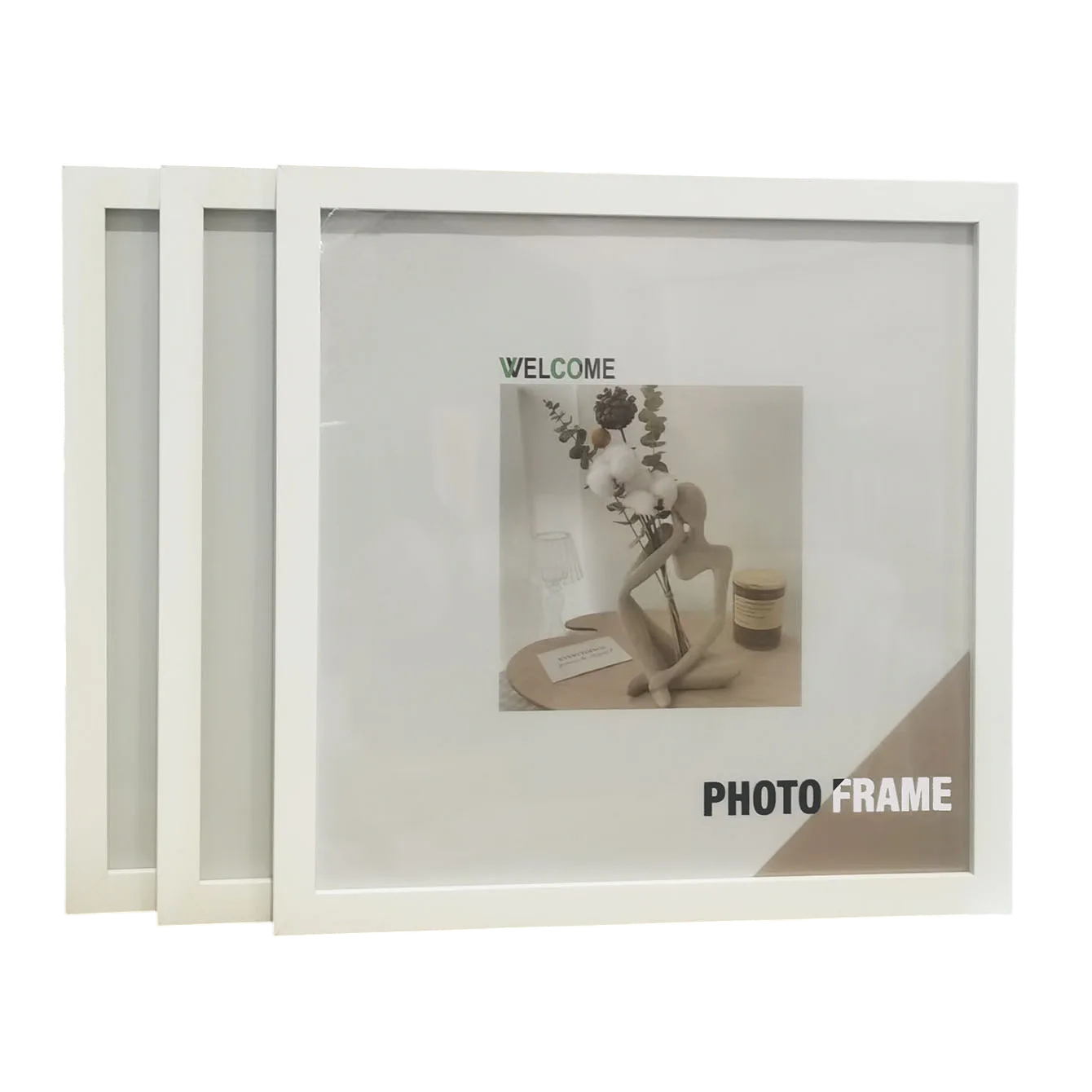
3 quadratische Bilderrahmen · 20 × 20 cm

Lunzo · 3 quadratische Bilderrahmen · 20 × 20 cmLunzo · 3 square frames · 20 × 20 cm

3 Rahmen · Wand- oder Tischaufstellung3 frames · wall or tabletop mounting

Werbung · Lieferung Deutschland. Artikelmaße im Shop prüfen.Ad · delivery Germany. Check product dimensions in the shop.

Beim Händler ansehen ↗View at retailer ↗
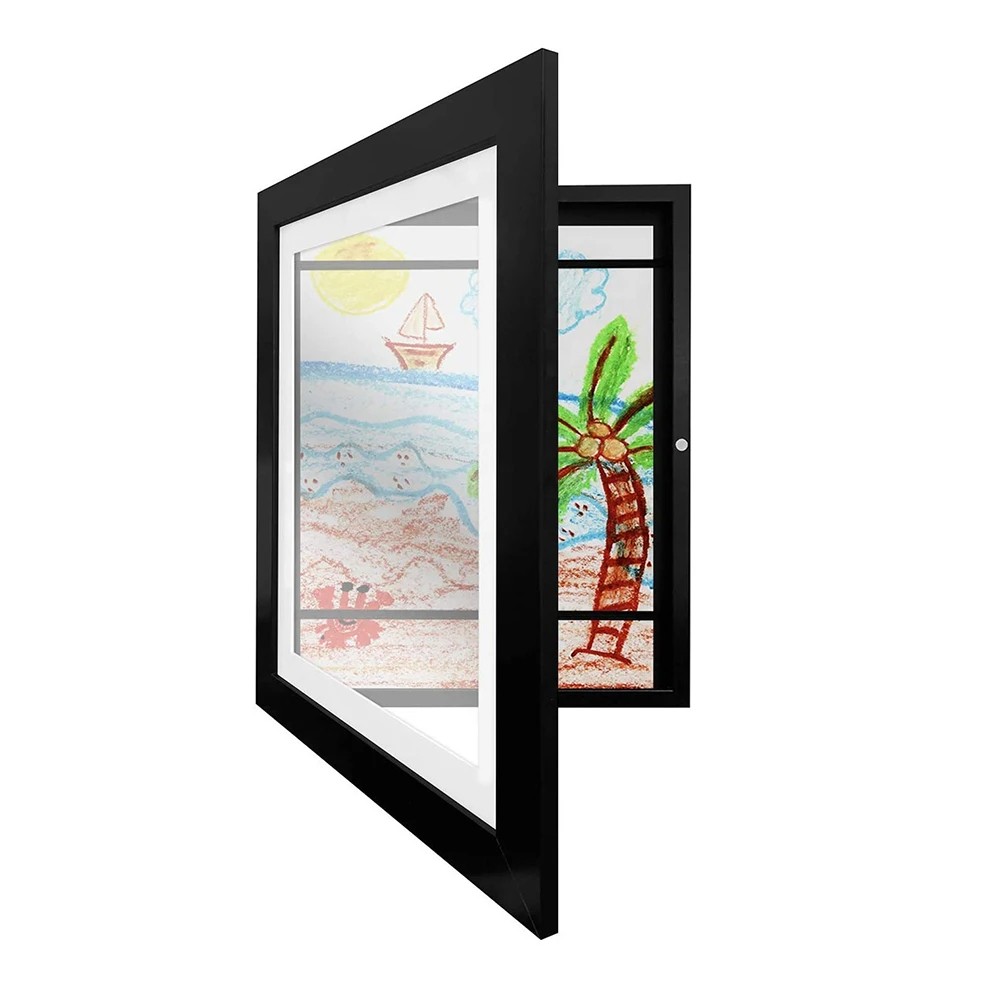
Wechselrahmen mit Magnetöffnung · 21 × 30 cm

Lunzo · Wechselrahmen mit Magnetöffnung · 21 × 30 cmLunzo · Front-opening frame · 21 × 30 cm

1 Rahmen · Wandmontage hochkant oder quer1 frame · portrait or landscape wall mounting

Werbung · Lieferung Deutschland. Artikelmaße im Shop prüfen.Ad · delivery Germany. Check product dimensions in the shop.

Beim Händler ansehen ↗View at retailer ↗

WhiteWall · Fertig gerahmtes eigenes FotoWhiteWall · Your photo, printed and framed

Foto inklusive Rahmen · Ausführung und Endformat bei WhiteWall wählen; Foto selbst hochladen.Photo including frame · choose finish and final size at WhiteWall; upload your photo yourself.

Werbung · Lieferung Deutschland. Artikelmaße im Shop prüfen.Ad · delivery Germany. Check product dimensions in the shop.

Beim Händler ansehen ↗View at retailer ↗
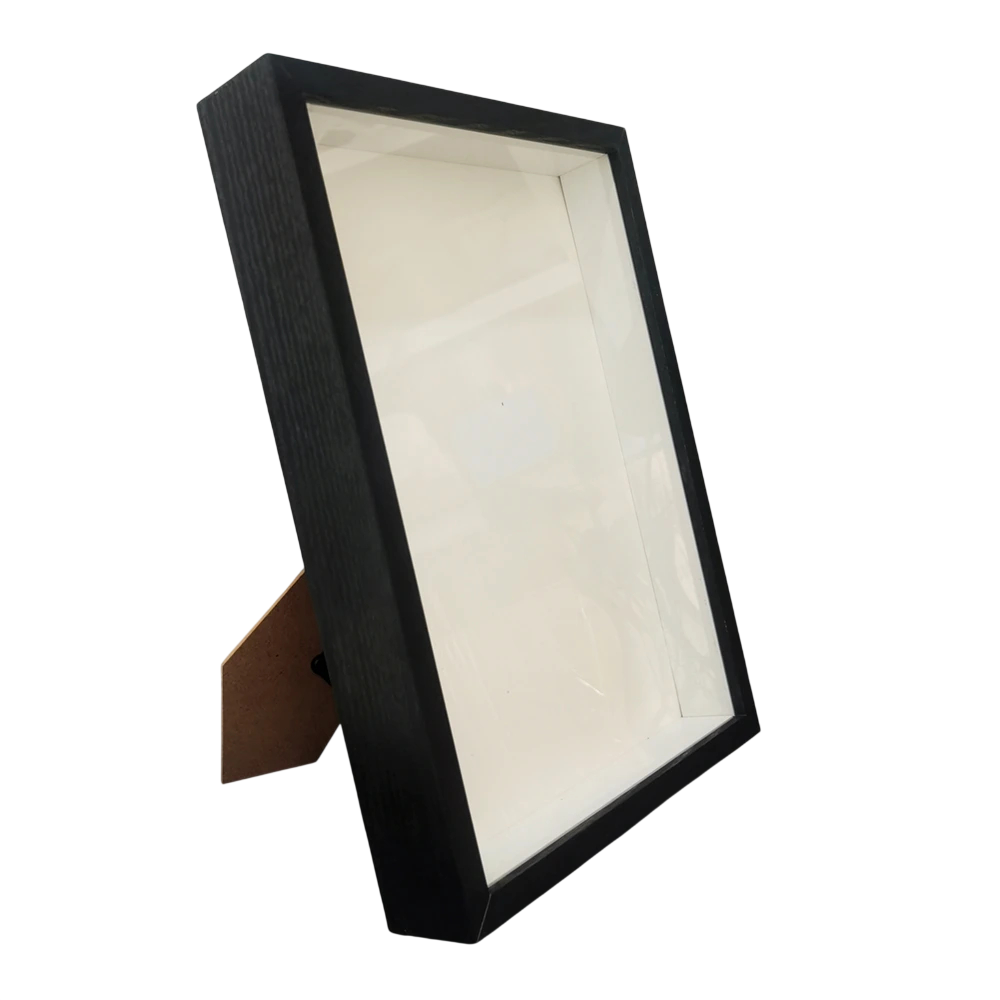
Tiefer Holzrahmen · 21 × 30 cm
Lunzo · 814115 · WerbungAdvertisement

Tiefer Holzrahmen · 21 × 30 cmDeep wooden frame · 21 × 30 cm

1 Rahmen · Holz und Glas · ca. 3 cm Innentiefe1 frame · wood and glass · approx. 3 cm internal depth

43,62 €

Preisstand 13.11.2026 · inkl. MwSt., zzgl. Versand.Price checked 13 Nov 2026 · VAT included, shipping extra.

Shopangaben zu Außenmaß und Papierformat widersprechen sich. Fotoöffnung und Wandaufhängung prüfen; kein automatischer Rahmenwechsel.Shop specifications mix outside size and paper size. Check the photo opening and wall mounting; no automatic frame substitution.

Farbe/Variante im Shop wählen.Choose colour/variant in the shop.

Produkt bei Lunzo ansehen ↗View product at Lunzo ↗

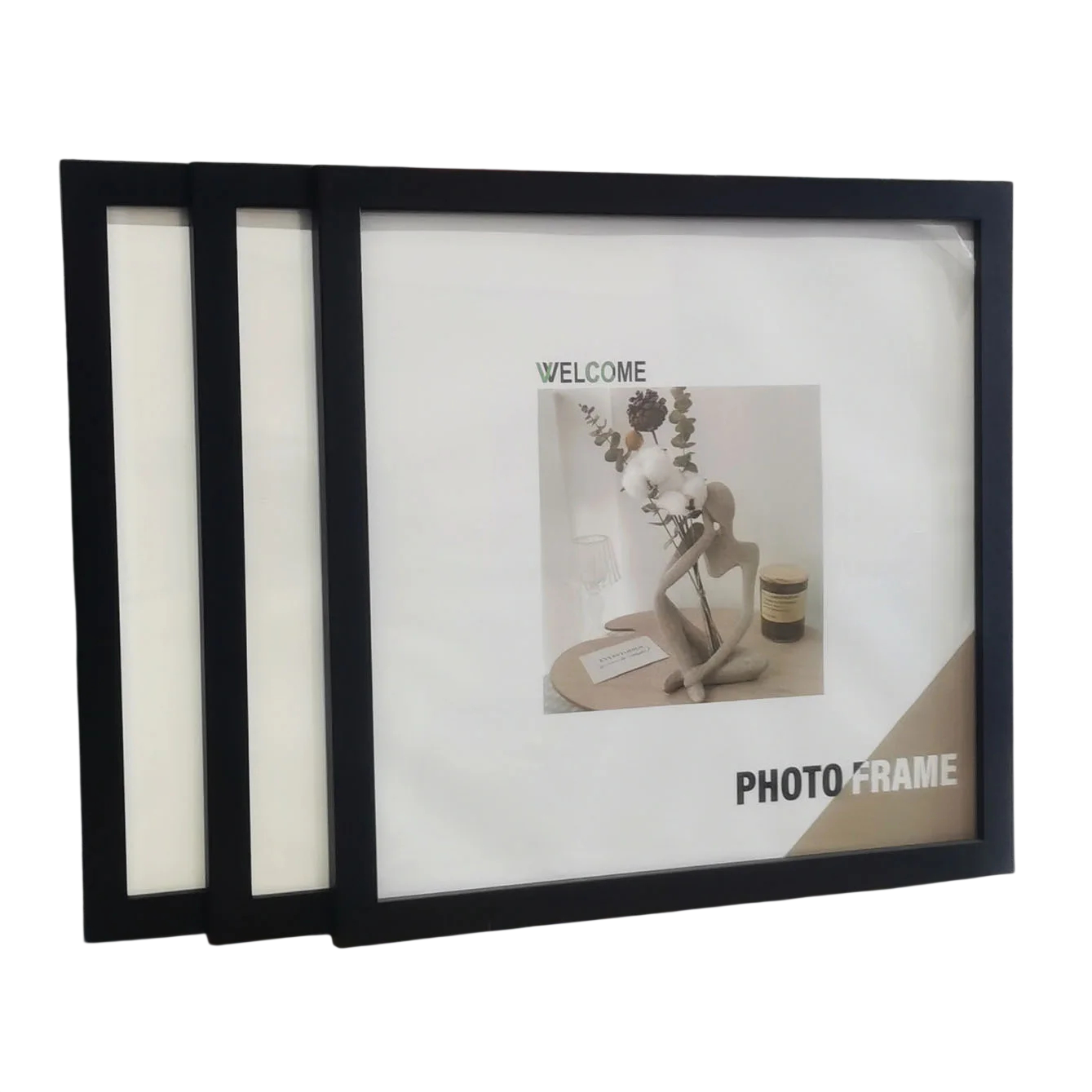
3 quadratische Bilderrahmen · 25 × 25 cm
Lunzo · 861157 · WerbungAdvertisement

3 quadratische Bilderrahmen · 25 × 25 cm3 square picture frames · 25 × 25 cm

1 Set mit 3 Rahmen · Wand- oder Tischaufstellung laut Händler1 set of 3 frames · wall or tabletop use according to retailer

64,59 €

Preisstand 13.11.2026 · inkl. MwSt., zzgl. Versand.Price checked 13 Nov 2026 · VAT included, shipping extra.

25 × 25 cm ist die Shop-Formatangabe. Außenmaße und Fotoöffnung sind nicht getrennt belegt; kein automatischer Rahmenwechsel.25 × 25 cm is the shop format. Outside dimensions and photo opening are not separately specified; no automatic frame substitution.

Farbe/Variante im Shop wählen.Choose colour/variant in the shop.

Produkt bei Lunzo ansehen ↗View product at Lunzo ↗

Weiteres Sortiment bei Lunzo ↗More products at Lunzo ↗

ERST PLANEN. DANN ERGÄNZEN.PLAN FIRST. ADD WHAT YOU NEED.

Der beste Rahmen
kann schon Ihnen gehören.
The right frame
might already be yours.

Messen Sie Ihre vorhandenen Rahmen und ergänzen Sie sie im Entwurf. Als „Vorhanden“ markierte Rahmen werden nicht zum Kauf vorgeschlagen.Measure your existing frames and add them to your design. Frames marked “Already owned” stay off the shopping list.

Für fehlende Rahmen gleicht Galeriva Außenmaß, Fotofenster, Farbe und Lieferland ab. Ein anderes Produkt verändert die Maße im Entwurf.For missing frames, Galeriva checks outside size, photo opening, colour and delivery country. A different product updates the dimensions in your design.

Aktuell: ArtToFrames für die USA und ausgewählte IKEA-LOMVIKEN-Rahmen für Deutschland, Österreich und die Schweiz. Händlerlinks ohne Provision; Preis und Verfügbarkeit beim Händler.Currently: ArtToFrames for the USA and selected IKEA LOMVIKEN frames for Germany, Austria and Switzerland. Retailer links without commission; prices and availability at the retailer.

Gut zu wissen.Good to know.

Werden meine Fotos hochgeladen?Are my photos uploaded?

Nein. Fotos und Raumaufnahmen werden im offenen Browserfenster verarbeitet. Galeriva überträgt sie weder an einen Bilddienst noch an Händler. Heruntergeladene Projektdateien können Ihre Originalfotos und Vorschauen enthalten.No. Photos and room pictures are processed in the open browser window. Galeriva does not send them to image services or retailers. Downloaded project files can contain your original photos and previews.

Kann ich mein eigenes Zimmer verwenden?Can I use my own room?

Ja. Unter „Mehr“ können Sie ein frontales Raumfoto einsetzen. Mit zwei Referenzpunkten und gemessenen Wandmaßen richten Sie die Vorschau aus. Die App vermisst den Raum nicht automatisch.Yes. Under “More”, add a straight-on room photo. Align it using two reference points and measured wall dimensions. The app does not measure the room automatically.

Was enthält der Download?What is in the download?

Der PDF-Plan zeigt den Entwurf, Rahmenpositionen, Außenmaße sowie vorhandene und noch benötigte Rahmen. Er enthält keine Bohrpunkte. Die Projektdatei erhält neu eingefügte Originalfotos für das spätere Weiterarbeiten. Unter „Fotodruck“ können Sie die Ausschnitte samt Formaten und Mengen als lokales Druckpaket herunterladen. Die direkte Partnerbestellung ist noch nicht aktiv.The PDF plan contains your design, frame positions, outside dimensions and lists of owned and needed frames. It does not provide drill points. The project file retains newly added original photos for later editing. Under “Photo prints”, download your crops, sizes and quantities as a local print package. Direct partner ordering is not active yet.

Bestelle ich die Rahmen bei Galeriva?Do I buy the frames from Galeriva?

Sie kaufen beim jeweiligen Händler. Galeriva überträgt keinen Warenkorb und keine Fotos. Lieferbarkeit und endgültiger Preis werden dort geprüft. Partnerlinks werden unmittelbar als Werbung gekennzeichnet, sobald eine Partnerschaft aktiv ist.You buy from the retailer. Galeriva transfers neither a shopping cart nor photos. Delivery availability and the final price are checked there. Affiliate links will be labelled as advertising beside the link once a partnership is active.

Mit einem Beispiel planen

Deine Fotowand passend zu Bildern und Rahmen

Wie kann ich eine Bilderwand gestalten?

Füge deine Fotos ein und vergleiche die Anordnungen direkt an der Wand. Berücksichtige vorhandene Rahmen und passe den Entwurf an die verfügbare Fläche an.

Welcher Rahmen passt zu welchem Bild?

Papierformat, sichtbare Passepartout-Öffnung und äußeres Rahmenmaß sind unterschiedliche Größen. Im Fotogrößen-Vergleich siehst du drei konkrete Formate mit deinem eigenen Bild.

Kann ich den Plan herunterladen?

Unter „Bilderwand umsetzen“ findest du Rahmenbedarf, Druckpaket und PDF-Plan. Speichere deinen Entwurf vor dem Schließen des Fensters lokal.

Plan a photo wall around your pictures and frames

How do I design a gallery wall?

Add your photos and compare arrangements directly on the wall. Include existing frames and adjust the layout to fit the available space.

Which frame size fits my photo?

The paper size, visible mat opening and outer frame size are different measurements. Compare three specific sizes using your own picture in the photo size guide.

Can I download my plan?

Find frame requirements, print files and your PDF plan under “Bring it to life”. Save your draft locally before closing the window.